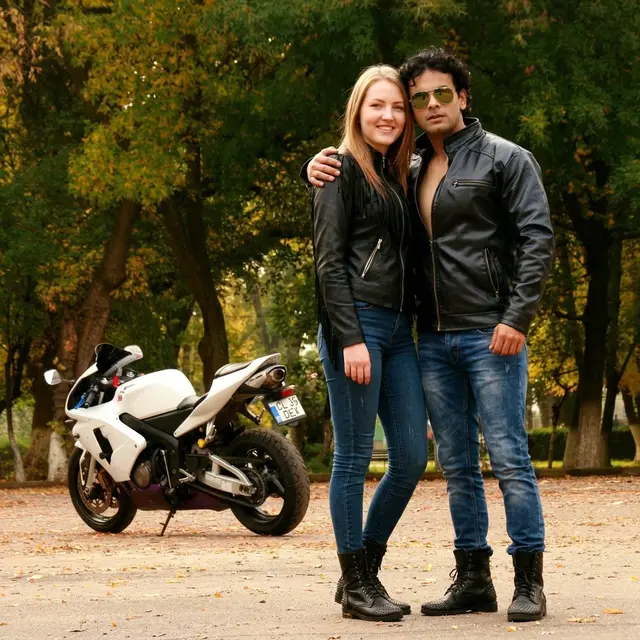
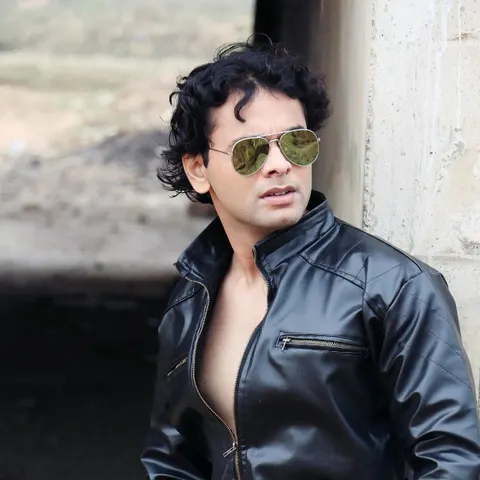
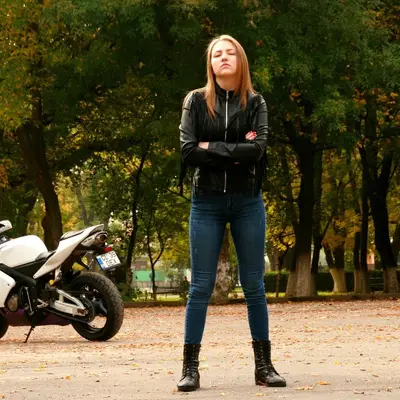
01Two clear portraits
Couple Together
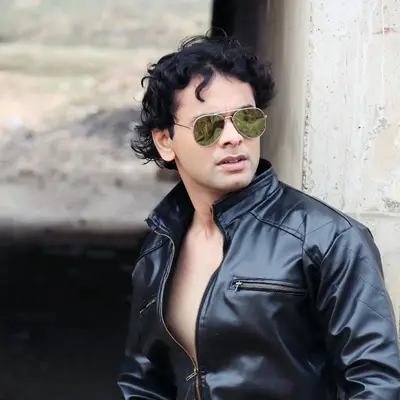
Bring two people from separate portraits into one natural shared scene—matched lighting, scale, and interaction, without a collage look.
blenvero is an ai image combiner that matches lighting, scale, and contact—for people, products, brand looks, and celebrations. No layers or masking.
Image 1 = any subject to insert (product, object, or person). Image 2 = destination scene. Same insert-into-scene engine as Product in Scene; optional prompt for soft creative cues.
Open any example in the editor with that preset already selected.
01Two clear portraits
Bring two people from separate portraits into one natural shared scene—matched lighting, scale, and interaction, without a collage look.
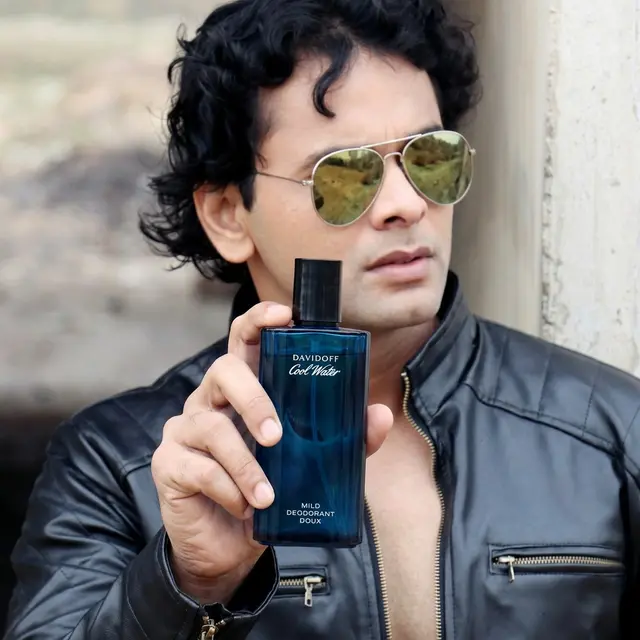
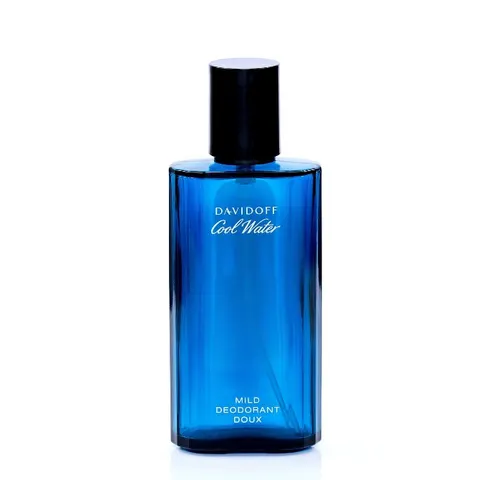
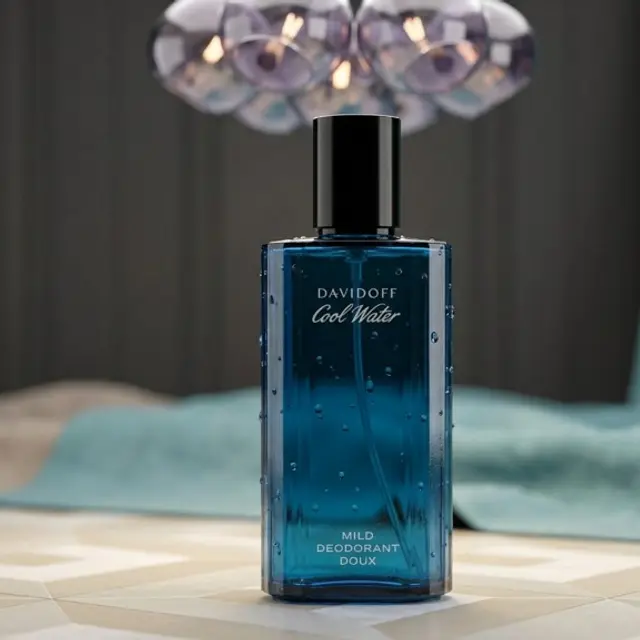
02Product photo + scene photo
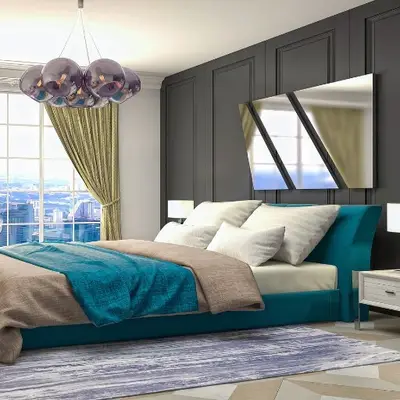
Insert a product into a real scene with realistic scale, matched lighting, and contact shadows—without turning the frame into a product close-up.
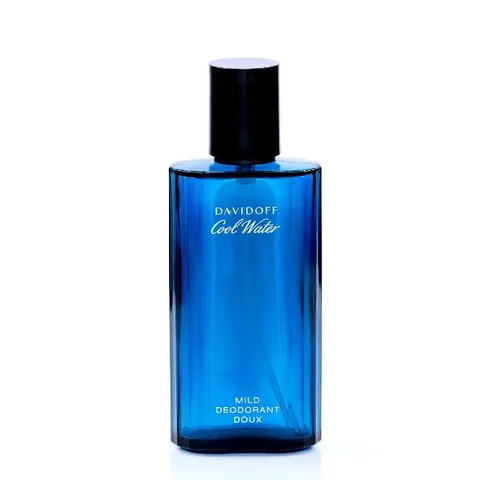
03Product photo + brand reference
Keep the product as the locked hero and borrow only brand style—palette, lighting, and mood—from the reference. No people or scene plate copied from the style image.
04Before photo + After photo
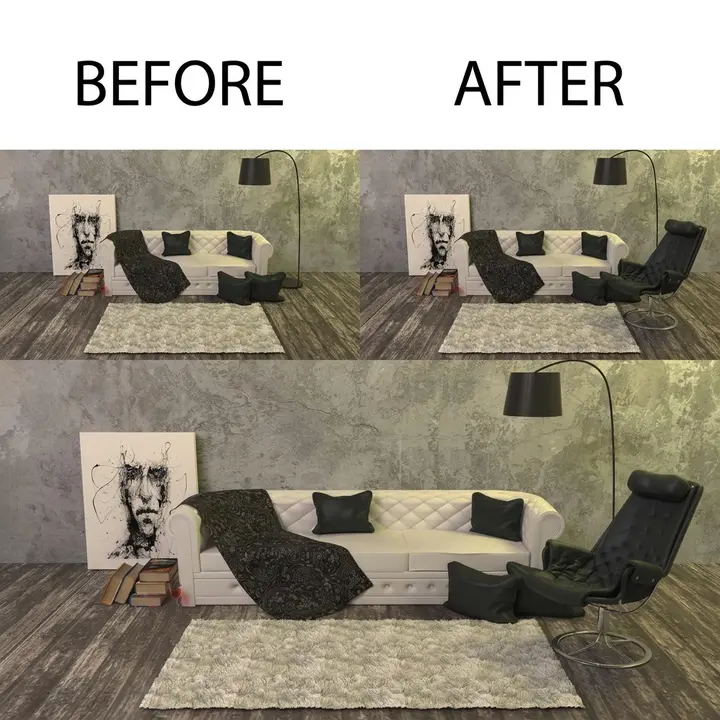
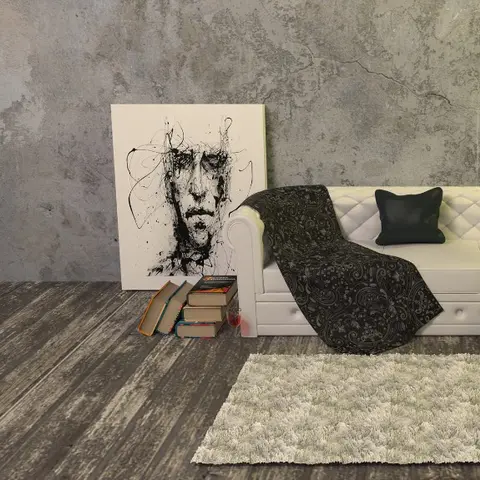
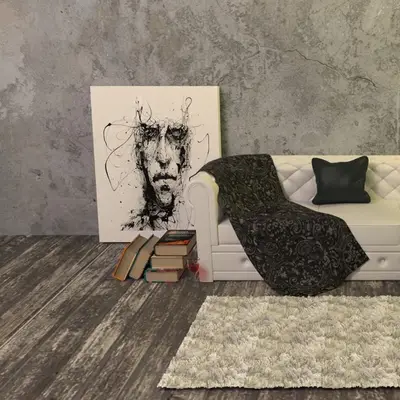
Place Before and After photos side by side with equal weight, clean crops, and subtle labels—comparison board, not a fused scene.
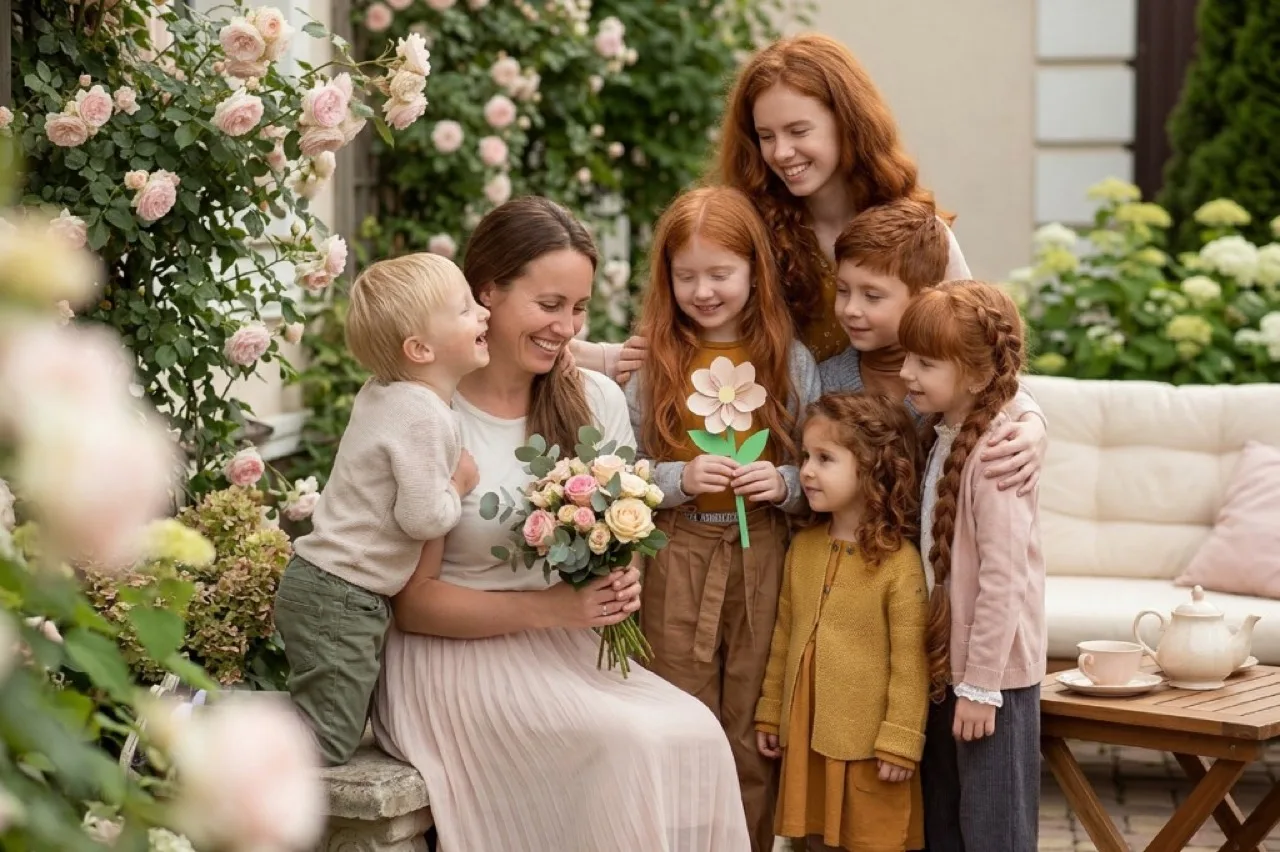
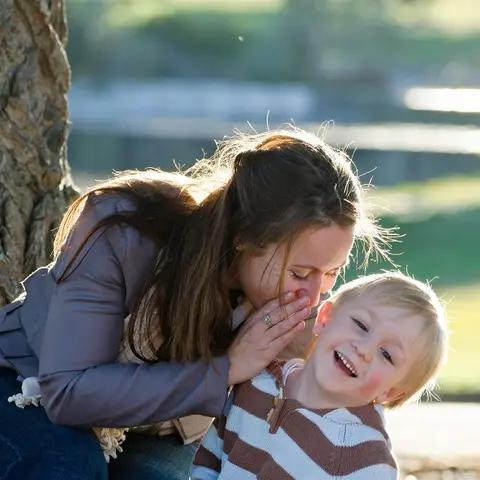
05Two portraits or memories
Bring people from separate memories into one shared celebration scene. Type a short occasion like birthday or Christmas—greeting text stays for later overlay.
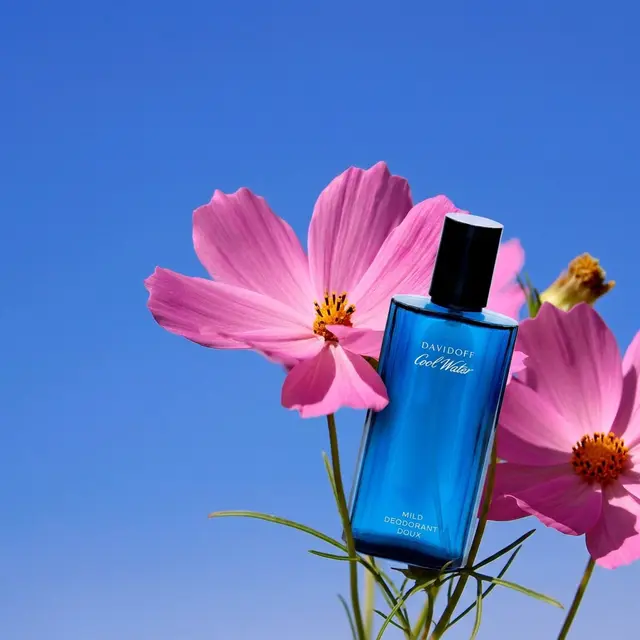
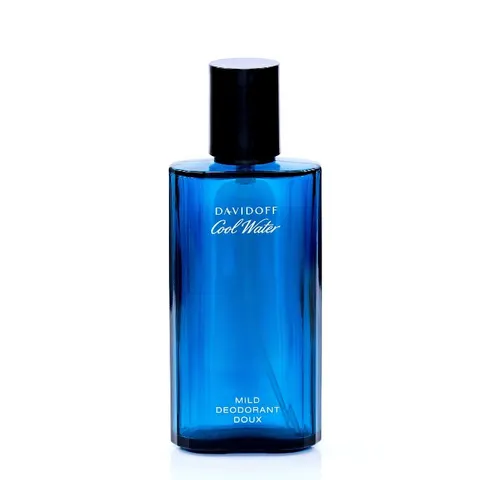

06Product / subject + scene photo
Same insert-into-scene engine as Product in Scene—drop any subject into a destination photo with realistic scale, lighting, and shadows.
Sample photos on this site are from Pixabay and are used under the Pixabay Content License for commercial use. Example outputs are illustrative sample generations for each workflow Pixabay license.
No layers, masks, or desktop editors required.
JPG, PNG, or WebP—exactly two references.
Pick the task closest to the result you want.
Nudge placement, light, or mood only when needed.
Review the composition, then save your favorite.
A narrow job done well—clear presets, coherent scenes, and honest credit handling.
Couple, Product, Brand, Holiday, Before/After—each runs a structured pipeline instead of a blank prompt.
One coherent scene with matched light, scale, and contact—people and products look like they belong together.
Uploads stay in private storage. Failed generations restore credits automatically.
One standard generation after signup. Then Monthly, Yearly, or one-time Credits via PayPal.
Create a free account and get free credits to experience the combiner.
Perfect for trying premium features
$0.3300Per Image
Best value for serious creators
$0.1990Per Image
Short answers about presets, privacy, credits, and quality. Need more help? Visit Contact or Pricing.
It builds one new image from two source photos—matching lighting, scale, and contact—rather than pasting originals into collage boxes.
Upload two JPG, PNG, or WebP files (up to 10MB each), pick a preset, add optional direction if you want, choose outputs and aspect ratio, then generate.
Couple Together, Product in Scene, Brand Creative, Before / After, Holiday Card, and Custom. Each runs a task-aware pipeline instead of a blank prompt.
No. Leave the optional box empty and the preset handles the structured instruction. Short notes help for mood or occasion (for Holiday Card, phrases like birthday or Christmas select the scene).
It suggests a short creative direction from your two photos into the optional prompt box. Placement planning for Product / Custom / Holiday still runs on Generate and does not overwrite that short note. Auto-enhance is disabled on Task Engine presets because quality rules are built into the compiler.
Not yet. The editor is built for exactly two references so each workflow stays clear and results are easier to judge.
Yes. Images go to private account storage and are sent to fal.ai only to complete your generation. You can delete a job and its inputs/outputs from My Activity.
Reserved credits are restored automatically. You are not charged for a failed or timed-out run. Disliking a finished image is not a technical failure.
Signup / free-trial downloads include a watermark. An active subscription or a completed PayPal credit-pack purchase unlocks watermark-free downloads.
Standard costs 6 credits per output. High costs 12 credits per output and unlocks with an active subscription or after a credit-pack purchase.
Monthly and Yearly plans renew on PayPal until you cancel and grant period credits. Credit packs are one-time purchases that do not expire. See Pricing and the Refund Policy for details.